Emails
Inbound
Use this playbook when each Heeroll agent should operate from its own mailbox and react to incoming email in a repeatable way.
Each agent get its own dedicated email address which you can email directly or forward emails to:

Forwarding Email
-
Gmail flow
- Go to https://mail.google.com/mail/u/0/#settings/fwdandpop and
Add a forwarding address.
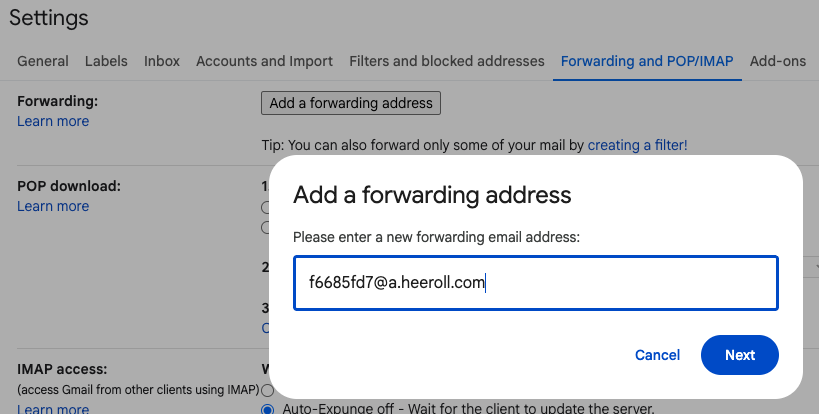
- Ask the agent to confirm the forwarding address.
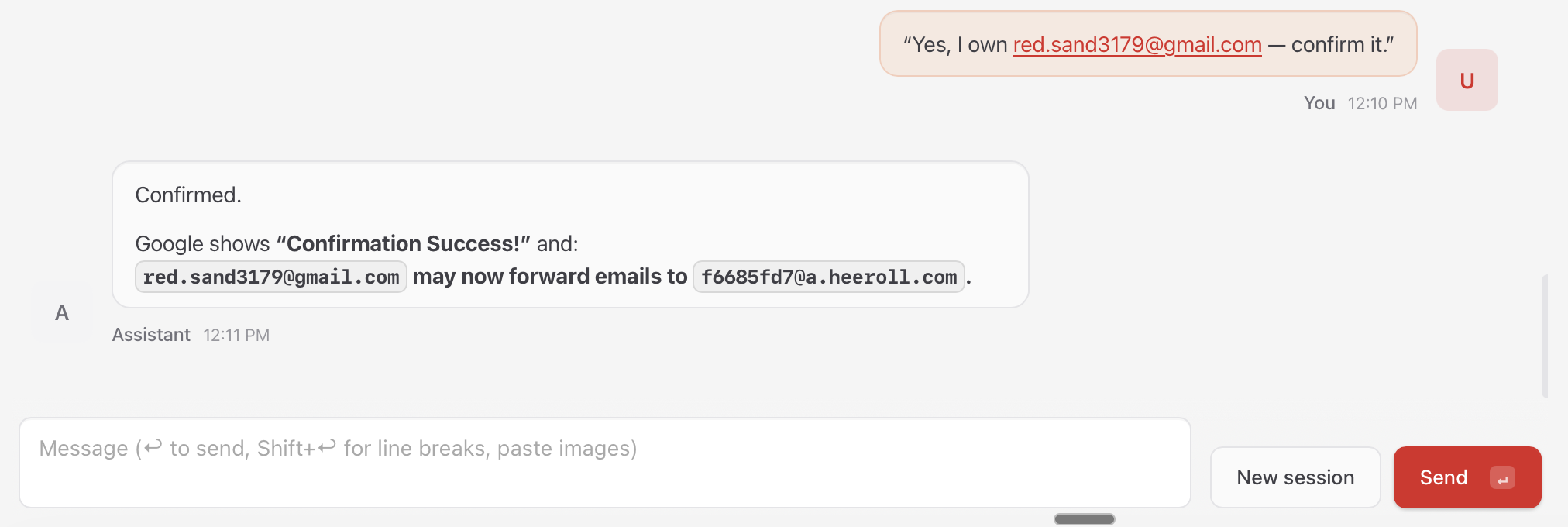
- Filter emails at https://mail.google.com/mail/u/0/#settings/filters based on your business logic and forward it.
- Go to https://mail.google.com/mail/u/0/#settings/fwdandpop and
-
Fastmail flow
- Create a new filter at https://app.fastmail.com/settings/filters/new.
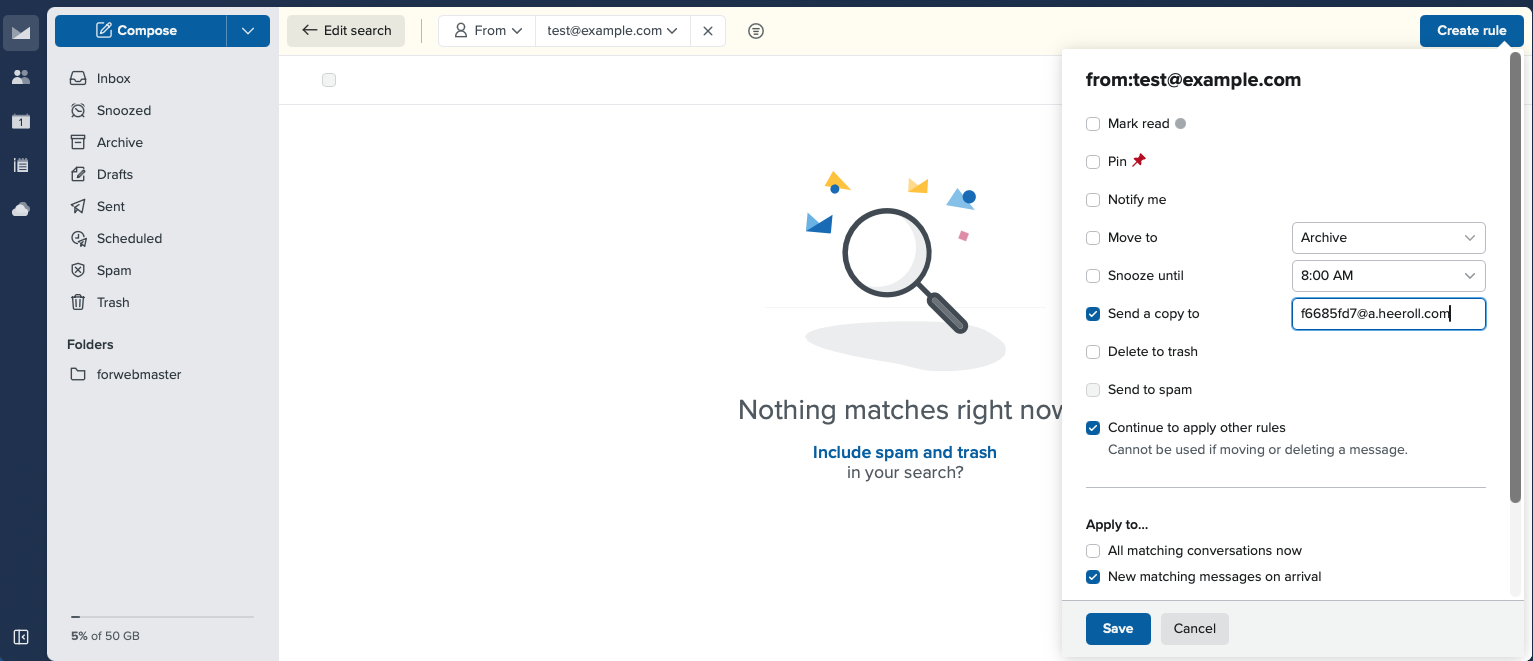
- Set the filter action to forward matching messages to the agent mailbox.
- Create a new filter at https://app.fastmail.com/settings/filters/new.